

- #content-planning
- #commercial-transparency
OnlyFans Tip Menu and Price List for Beginners
Build a short tip menu you can deliver: three to five clearly described items, prices that match the work, and a rule for requests that are not on the list.
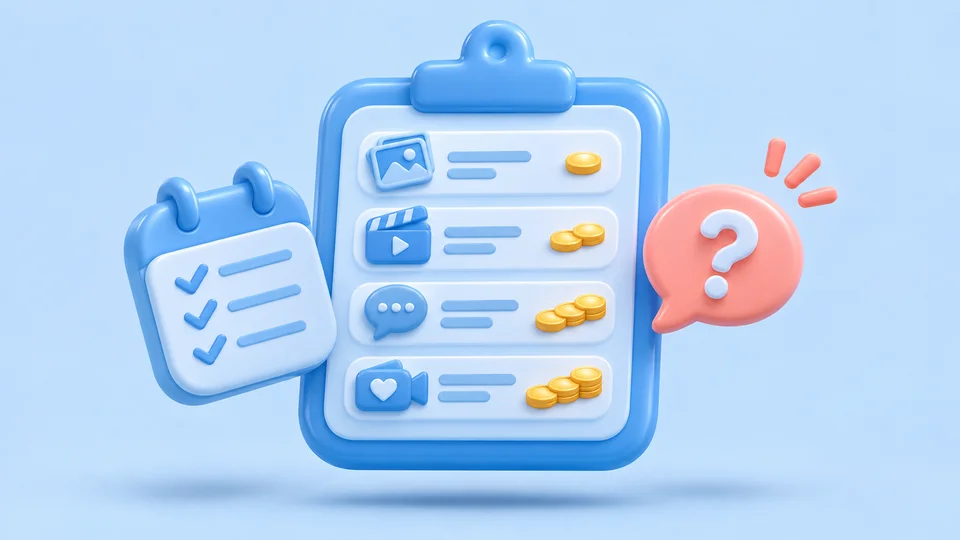
A good first tip menu is short: three to five extras you can deliver every time, each described in one plain sentence, with a price that reflects the work and a delivery time you can keep. Add one line that explains what happens with requests that are not on the list. Everything else can wait until you know what your subscribers actually ask for.
Why should a beginner keep the menu short?
A long menu looks generous, but it creates work you cannot see yet. Every item is a promise. If a subscriber buys something you have never made before, you owe them a finished piece on a deadline, and you are learning how to make it at the same time.
A short menu also helps the buyer. When there are dozens of options, people ask questions instead of buying. When there are four, they can read the whole list in a few seconds and pick one. You can add items later, once you see which questions keep coming up in your messages.
Start with things you already make for your feed, adapted slightly. That keeps your production time low and your quality steady.
What should each menu item say?
Each item needs four parts: a name, what the buyer receives, how long delivery takes and the price. The description matters most. "Personal video" tells the buyer almost nothing. Something like "a short video that starts with your first name, sent as a message within five days" tells them exactly what they get.
Use neutral, clear words. Say the format (photo set, short video, voice note), the length or count, and whether the item is personalised. If something is not included, say so. Clear descriptions also reduce disputes, because nobody pays for one thing while expecting another. The guide on how to describe a paid message offer uses the same idea for locked messages.
An example OnlyFans tip menu for beginners
The menu below is an original, hypothetical example. The price bands are placeholders that show structure, not market rates. Set your own after looking at your subscription price and how long each item takes you.
| Item | What the buyer receives | Delivery | Price (hypothetical) |
|---|---|---|---|
| Name photo | One photo holding a card with their first name | 2 days | Low band |
| Themed set | 8 to 10 photos on a theme you choose | 3 days | Middle band |
| Voice note | A one-minute personal voice message | 2 days | Low band |
| Short custom video | Up to 3 minutes, within your listed limits | 5 days | Higher band |
In this hypothetical example, the price rises with the time each item takes, not with how much you would like to earn. A practical way to set your own bands: estimate your hours per item, decide what an hour of your work is worth to you, and check that the result sits sensibly next to your monthly price. The article on setting a subscription price walks through that comparison.
How do you handle requests that are not on the menu?
You will get them, often in the first week. Decide your rule before it happens. A simple one: "If it's not on the menu, send me a short description and I'll tell you whether I can do it, the price and the delivery time. I start once it's paid."
That rule gives you time to think. You never have to say yes in the moment. If a request is outside what you make, a short, friendly no is enough, and you do not owe an explanation. Our piece on custom request boundaries has wording for those replies.
Where should the menu live, and what small print does it need?
Put the menu where subscribers already look. A pinned post on your page works well. A short version can sit at the end of your welcome message, pointing to the full list. The welcome message guide shows how to add it without making your first message feel like a sales pitch.
Under the menu, write two short lines. One on revisions, for example: "I'll fix anything I got wrong, like a misspelled name. I don't remake finished items because of a change of mind." One on problems, asking buyers to message you first if something went wrong.
Refunds and disputes follow the platform's own process, so check its help pages and your account settings before you write anything about them. Your wording should never promise something the platform does not offer.
Review the menu once a month. Remove items nobody buys and adjust delivery times you keep missing.
How Satin handles tip menus and paid extras
At Satin, offers are agreed before anyone works on your account. That agreement covers your tone, topics, offers and anything that needs your approval, and working hours, response expectations and responsibilities are put in writing. The chat team works within what you agreed, and it does not invent personal details or promise meetings. You make the content and decide what you are comfortable with. Subscriber chats and content planning are included in every plan. Each week Satin sends a statement, with refunds and chargebacks shown separately and matched to the original sale, so you can follow how your extras are doing.
Your next step
Write four items using the table above, with your own descriptions, delivery times and price bands. Pin the menu and leave it alone for a month before changing anything. If you would like a team to run chats and offers within the limits you set, read how Satin's management works.